How to Beat ATS Systems in 2026
By Jyoti Sinha, Talent Acquisition Specialist at Leinex Consulting · February 8, 2026 · 3 min read
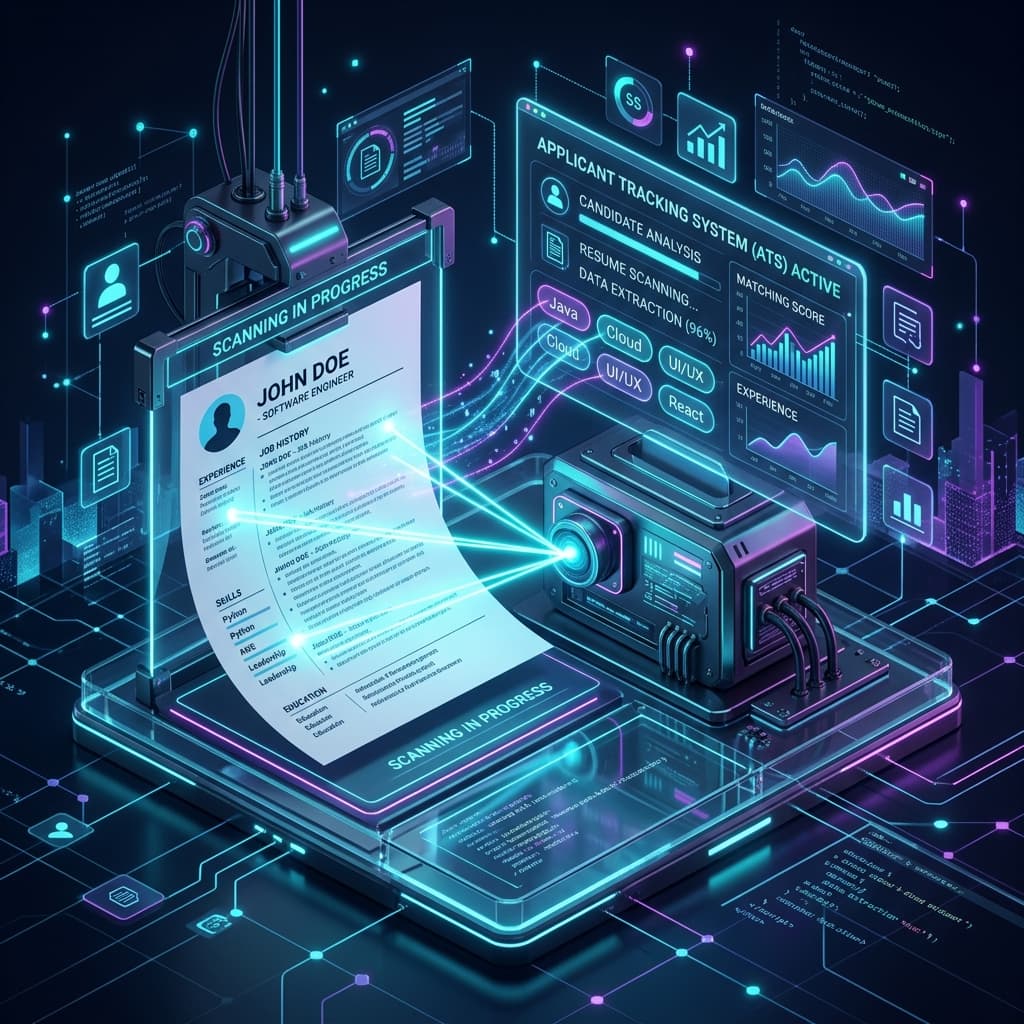
You've found the perfect job. You have the skills. You've spent hours perfecting your resume. But after hitting "Apply," you hear... nothing.
The culprit is likely not a human, but a robot. It's called an Applicant Tracking System (ATS) .
In this guide, we'll break down exactly what ATS systems are, how they read your resume, and the proven strategies you need to beat them in 2026.
What is an ATS?
An Applicant Tracking System (ATS) is a software application that enables the electronic handling of recruitment needs. Employers use ATS software to organize and filter the thousands of resumes they receive.
Here's the sobering part: industry estimates suggest as many as 75% of resumes are rejected by ATS software before they ever reach a human recruiter's eyes.
Curious if your resume passes the test?
Use our free AI-powered Resume Checker to get an instant ATS compatibility score.
How Do ATS Systems Work?
Think of an ATS as a search engine for recruiters. When you upload your resume:
- The system parses your document, stripping away formatting and converting it to digital text.
- It scans this text for specific keywords related to the job description (skills, job titles, education).
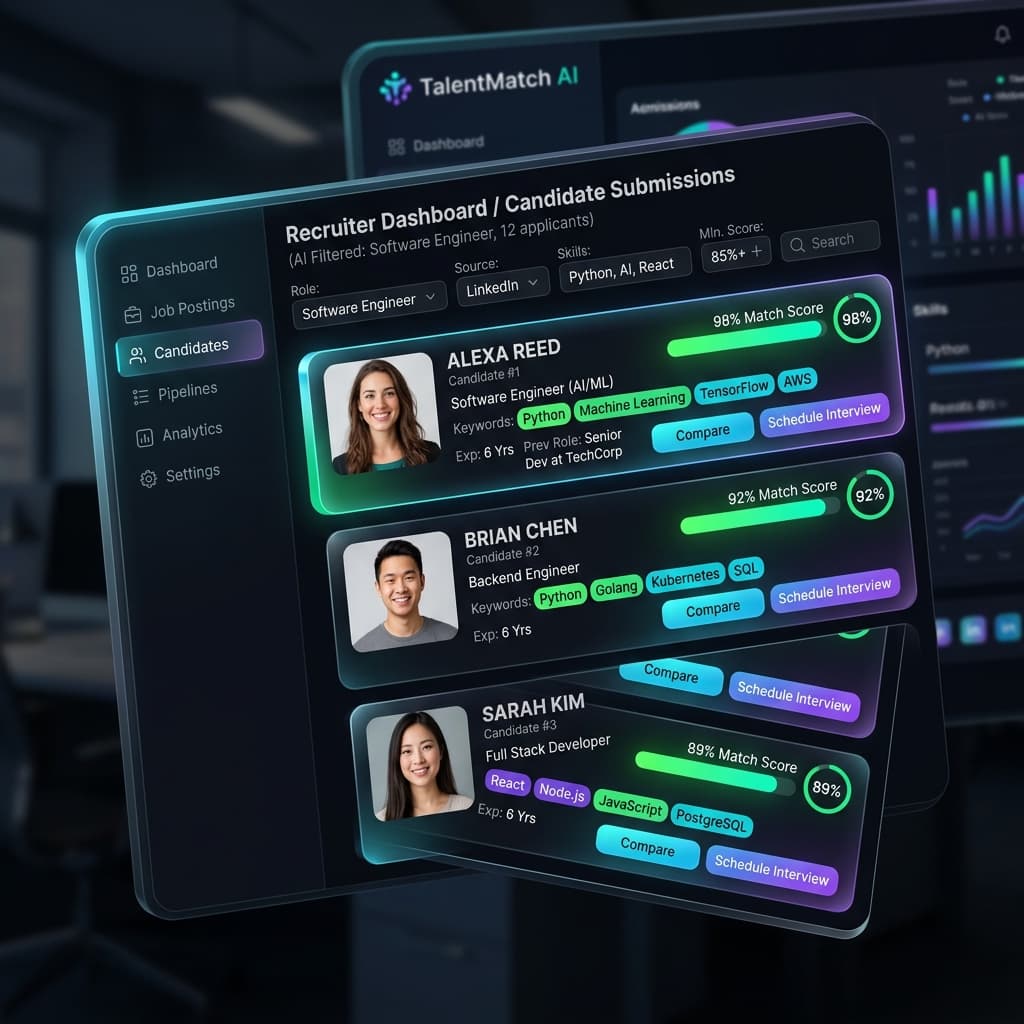
- It assigns your application a relevance score based on how well you match the criteria.
Recruiters then search the database for "Project Manager" + "Agile" + "Seattle," and if your resume doesn't rank high enough, you're invisible.
5 Steps to Beat the ATS
1. Stick to Standard File Formats
While creative resumes look nice, simplicity wins here. PDF is generally the best format because it preserves your formatting across devices. However, ensure it's a text-based PDF, not an image-based one. Word documents (.docx) are also a safe alternative.
2. Optimize Your Keywords
This is the most critical step. Read the job description carefully. If they ask for "Project Management," don't just say "Led teams." If they ask for "Python," list "Python."
- Hard Skills: Tools, software, languages (e.g., Salesforce, SQL, Photoshop).
- Soft Skills: Leadership, communication, problem-solving.
- Job Titles: Use standard titles found in the industry.
3. Use Standard Section Headings
The ATS parser looks for specific landmarks to understand your resume structure. Don't get creative with headings. Use:
- Work Experience
- Education
- Skills
- Summary
Avoid things like "My Journey" or "Where I've Been" which can confuse the parser.
4. Keep Formatting Simple
Complex layouts confuse the robots. To ensure rigorous parsing accuracy:
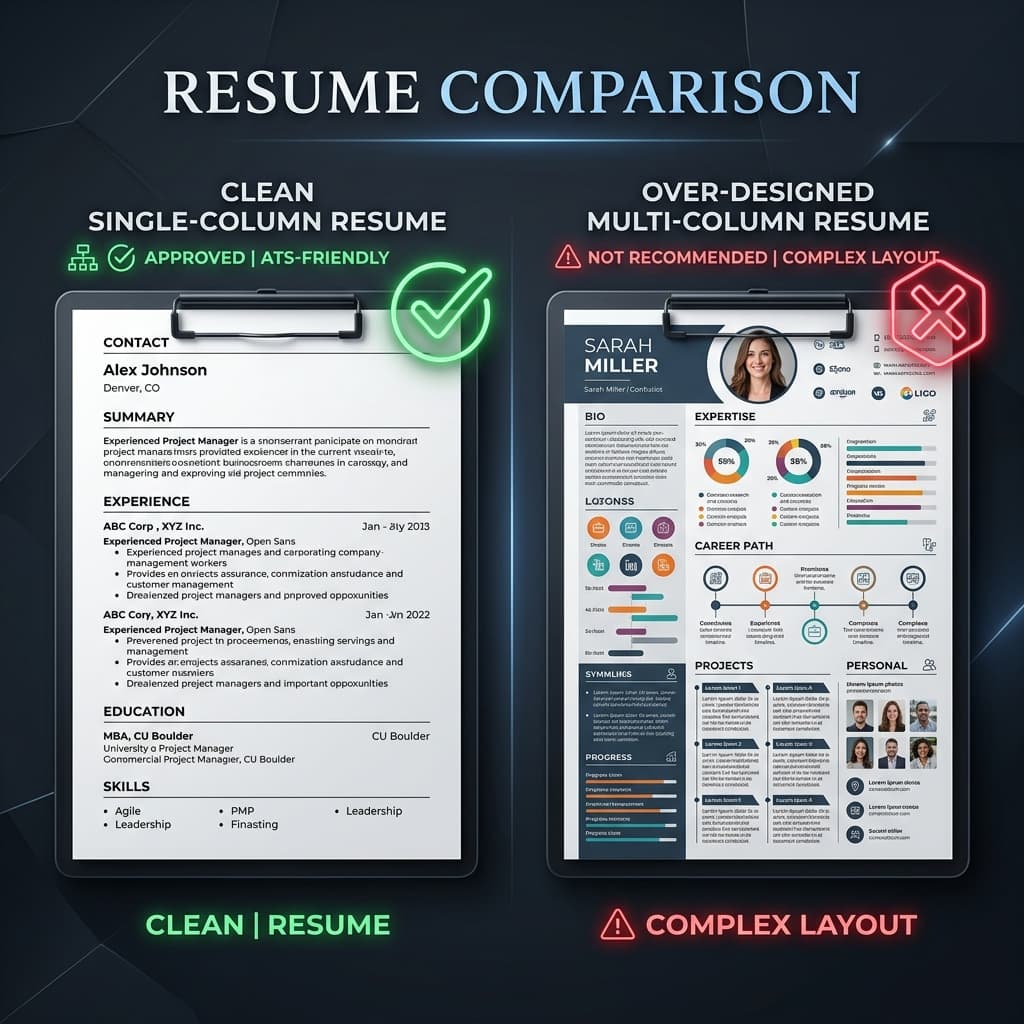
- Avoid multi-column layouts (single column is safest).
- Don't use tables, text boxes, or graphics to display information.
- Avoid headers and footers for critical contact info (some systems ignore them).
- Use standard bullet points (solid circles or squares).
5. Check Your Resume with a Tool
You don't have to guess. There are tools designed specifically to simulate ATS algorithms and tell you exactly what needs fixing.
Build an ATS-Friendly Resume for Free
Our Resume Builder automatically formats your resume to meet 2026 ATS standards.
Frequently Asked Questions
Can I use columns in my resume?
It's risky. While modern ATS systems are getting better at reading two-column layouts, many older systems still read straight across the page, jumbling your text. A clean, single-column layout is the safest bet for high-volume applications.
Does resume length matter to an ATS?
Not technically—the machine can read 10 pages as fast as 1. However, humans prefer 1-2 pages. Since the goal is to get seen by a human eventually, stick to the 1-2 page rule.
Should I "white font" keywords?
No! This is an old trick where people would hide keywords in white text so humans couldn't see them but robots could. Modern ATS systems detect this "keyword stuffing" and may automatically flag or reject your application for dishonesty.
We are a team of career experts and developers dedicated to helping job seekers land their dream jobs through technology.
Check your resume's ATS score — free
Upload your resume + paste any job description. Get your score in 60 seconds.
Analyze My Resume →More articles
Interview Tips
AI Mock Interview Practice: Rehearse Online for Free in 2026
Career Advice
How to Land a Remote Job: Resume and Application Strategy (2026)
Career Advice
Follow-Up Emails That Work: After Applications and Interviews (Templates)
Interview Tips
Interview Preparation: The Complete Guide for Your Next Job Interview