12 Best ATS Resume Checkers in 2026 (Free & Paid, Compared)
By Jyoti Sinha, Talent Acquisition Specialist at Leinex Consulting · September 22, 2026 (updated October 22, 2026) · 14 min read
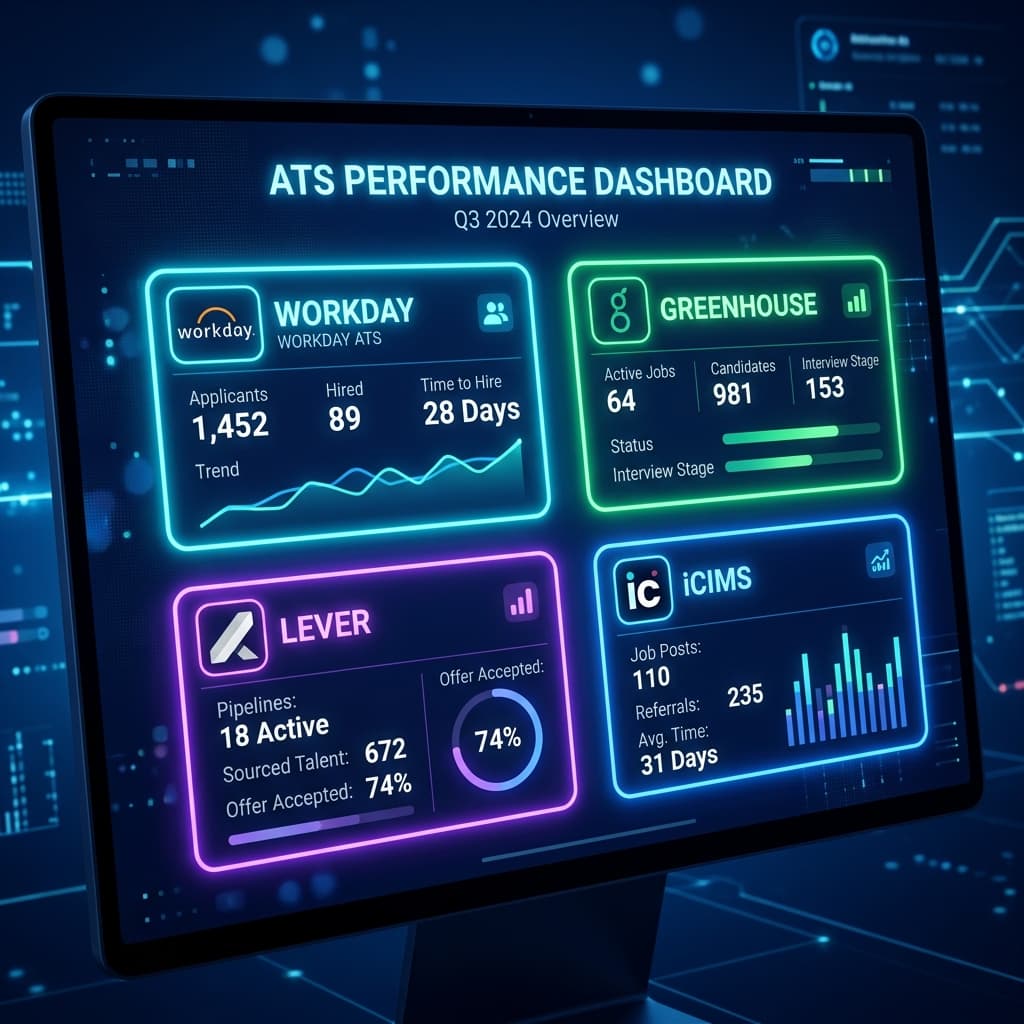
An ATS resume checker shows you what the applicant tracking system will see before a recruiter does: which keywords from the posting your resume matches, which it misses, and whether the file parses at all. Dozens of tools now claim to do this. Many score the resume on its own; the useful ones score it against the actual job description, which is the comparison that matters. Below are the 12 checkers people use most in 2026: what each one actually checks, what its free plan allows, what it really costs, and who it suits.
Disclosure: ATS First is our product. Every other tool gets its real strengths here, every price and limit comes from that vendor's own website as of 22 October 2026, and the last section explains exactly how we compared them so you can check our work.
Quick picks
- Best free check against a job description: ATS First (3 a month, the first with no account), SkillSyncer (2 a week) or Jobscan (5 a month)
- Most detailed match report: Jobscan
- Best line-by-line writing feedback: Resume Worded
- Best if you also need a job tracker: Teal or Huntr
- Cheapest subscription: SkillSyncer at $14.95 a month
- No subscription at all: ATS First (one-time passes) or Rezi's $149 lifetime plan
What a real ATS checker needs to do
Four things separate a checker from a spell-checker with a score:
- Parse the file the way an ATS does: read the PDF or DOCX, not the text you paste, so it catches the sections a parser skips
- Compare against a specific job description: a resume is only "optimised" relative to a posting; a generic score cannot tell you which keywords to add
- List the missing and weak keywords by name, not just a number: a 62 with no explanation is not actionable
- Show its method: if you cannot see why you scored 62, you cannot trust the 85 either
Most tools below now do the first three on some plan. Where they differ is how much of it is free, whether they help you fix the resume, and how they bill.
1. ATS First: best free JD-match check, plus the fix
Upload the PDF or DOCX, paste the posting, and the ATS resume checker returns a 0–100 score with matched, missing and weak keywords, a section-by-section parse preview of what the software actually read, and line-level rewrite suggestions (Fix This Line) for the bullets that dragged the score down. No account is needed for the first check; the scoring method is published.
- Free: 3 checks a month, no signup for the first one
- Paid: one-time passes with nothing to renew: $5 for 7 days, $12 for 30 days or $29 for 90 days (₹199, ₹499 or ₹999 in India, payable by UPI), covering unlimited checks, Improve with AI rewrites, the builder and a spoken interview coach
- Best for: anyone applying through portals who wants to fix the resume, not just grade it; India and Gulf applicants
- Weak spot: no LinkedIn profile review, no Chrome extension, younger brand
2. Jobscan: the most detailed match report
Jobscan built this category. Upload a PDF or DOCX (or paste the text), paste the posting, and get a match rate with hard skills, soft skills, title and education scored separately, plus formatting tips for the ATS the company uses (Workday, Greenhouse, Taleo and so on). The Chrome extension pulls postings from LinkedIn, and Jobscan now has a free resume builder; its paid AI Optimize suggests changes you accept or reject.
- Free: 5 scans a month with a free account, limited to searchability tips and a condensed skills list
- Paid: $49.95 a month or $89.95 every 3 months, after a free trial; billing continues until you cancel
- Best for: heavy applicants who want the deepest keyword breakdown and LinkedIn optimisation in one place
- Weak spot: the highest price here, and the full report is paid. See our ATS First vs Jobscan comparison
3. Resume Worded: best line-by-line feedback
Score My Resume grades an uploaded PDF or DOCX against recruiter criteria (impact, brevity, style, section quality) with comments per bullet. Targeted Resume compares the resume with a job description, and the paid AutoFix drafts a rewrite for every weak line. LinkedIn Review does the same for your profile.
- Free: a score plus the top issues holding it down, and a Targeted Resume job-description check; the full report and line comments need Pro
- Paid: Pro at $49 a month, $99 every 3 months or $229 a year, subscription
- Best for: writing quality: if your resume parses fine but reads weak, this is the sharpest editor
- Weak spot: no resume builder (templates only), and the detailed reports are behind a subscription. See ATS First vs Resume Worded
4. SkillSyncer: cheapest job-description scanner
SkillSyncer reads the job description you paste and ranks its keywords by how often the posting repeats them, then rescores when you exclude a term that doesn't apply to you. Import a PDF or DOCX on any plan; the built-in editor's AI rewrites bullets around the posting and you approve each change.
- Free: 2 job-match scans a week and 10 AI credits a week with a free account, no card
- Paid: Premium at $14.95 a month or $34.86 every 3 months, renewing until cancelled
- Best for: frequent applicants who want unlimited JD scans for the least money
- Weak spot: a subscription, and a smaller brand with fewer extras than Jobscan
5. Teal: best if you also need a job tracker
Teal's matching mode compares a saved posting with the resume you built inside Teal and highlights the keywords present and missing, with a match score. It lives inside the job tracker, so every application in your pipeline can carry its own tailored resume and its own score.
- Free: basic matching and the job tracker; unlimited, detailed keyword analysis is on Teal+
- Paid: Teal+ at $13 a week, $29 a month or $79 a quarter when we tested in September, subscription (Teal's site blocked our October re-check, so confirm on its pricing page)
- Best for: managing 30+ applications while tailoring each resume
- Weak spot: the check only works on resumes inside Teal, and the deeper analysis is paid. See ATS First vs Teal
6. Huntr: job tracker with separate match scores
Huntr extracts the terms from a pasted job description and scores your resume on keywords, job title, qualifications and responsibilities separately, inside a job-application tracker. Upload PDF, DOC or DOCX, or paste the text; the builder rewrites bullet points with AI.
- Free: basic job matching and resume scoring, plus 2 job-tailored resumes, with a free account
- Paid: Pro at $40 a month, $90 every 3 months or $160 every 6 months, recurring, with no free trial
- Best for: people who want the tracker and the tailoring in one workspace
- Weak spot: the most expensive monthly plan after Jobscan, and the advanced matching is Pro-only
7. Rezi: builder-first, with a lifetime plan
Rezi's keyword scanner shows which terms from a pasted job description your resume is missing, and the Rezi Score grades the document inside its editor, where AI refines weak bullet points. It reads PDF and DOCX up to 5 MB, or imports from LinkedIn.
- Free: a free account (no card) with a limited Rezi Score and keyword targeting, 1 resume and 3 PDF downloads
- Paid: Pro at $29 a month, or Lifetime at $149 once, with a 30-day money-back guarantee
- Best for: people who want to write and score in the same editor and would rather pay once than monthly
- Weak spot: the full score and targeting are paid, and the free plan caps you at one resume. See ATS First vs Rezi
8. Enhancv: best checker for recruiter red flags
Enhancv's free resume checker runs 27 checks on an uploaded PDF or DOCX (formatting, length, contact details, bullet quality) and, if you paste the job you are applying for, adds job-specific tailoring suggestions. The paid version looks deeper at recruiter red flags, and the builder's Content Analyzer suggests AI rewrites that quantify impact.
- Free: the standalone checker, and a 7-day free plan in the builder
- Paid: Pro at $39 a month, $69 a quarter or $99 for 6 months, charged at the start of each period
- Best for: people whose resume parses fine but needs a writing coach, and who care about design
- Weak spot: the most decorative templates need parser testing, and the builder is a subscription. See ATS First vs Enhancv
9. ResyMatch (Cultivated Culture): free scans after email verification
ResyMatch compares an uploaded PDF, Word or TXT resume with a job description you paste or import from a URL, and recommends updates. A sample scan works without an account; your own scans need a free account with a verified email. Bullet rewriting and building live in separate Cultivated Culture tools (ResyBullet, ResyBuild).
- Free: a handful of free scans a month after verifying your email (Cultivated Culture's own pages quote both 5 and 7)
- Paid: the Unlimited plan at $7 a week, renewing until cancelled; longer plans are offered at checkout
- Best for: an occasional free JD check without a builder attached
- Weak spot: the free allowance is small and inconsistently stated, and the weekly plan adds up fast
10. Careerflow: section-by-section ATS score
Careerflow's checker takes a resume and a job description and returns a percentage score broken down by section, with each fix tied to the target job. It sits inside a broader job-search platform with a builder and a LinkedIn optimiser.
- Free: basic resume analysis and one resume in the builder; the full ATS score and keyword analyzer are Premium
- Paid: Premium at $8.99 a week, $23.99 a month, $54.99 a quarter or $172.99 a year (the pricing page does not state renewal terms, so check before buying)
- Best for: people who want the checker inside a larger job-search toolkit
- Weak spot: the keyword analysis that makes it an ATS checker is paid, and billing terms are not spelled out
11. Kickresume: a document score inside a cheap builder
Kickresume's AI Resume Checker scores the document on structure, section completeness, length and wording and benchmarks it against resumes of people hired through Kickresume. It accepts PDF, DOCX and several other formats, and its AI Rewriter can rewrite the resume. It does not compare against a job description.
- Free: the checker is not in the free plan (it is free only for verified students and teachers)
- Paid: Premium shown as $9 for a month, $18 for 3 months or $48 for a year, "pay once"; Kickresume's terms say auto-renew is switched on by default, so turn it off if you want a single term
- Best for: a cheap sanity check on a resume you are already building in Kickresume
- Weak spot: no job-description match at all; scores the resume in isolation. See ATS First vs Kickresume
12. Zety: a resume check bolted onto a big builder
Zety's resume check scores an uploaded resume and gives recommendations tailored to a job title you select, with a one-click "Fix My Resume" inside its builder. We could not confirm on Zety's own pages that it compares against a pasted job description.
- Free: Zety's pages disagree: the checker page offers a free review report, while the pricing page lists Resume Check outside the free package
- Paid: a 14-day trial for $1.95 that auto-renews at $25.95 every 4 weeks (13 charges a year), or $71.40 a year, auto-renewing
- Best for: people already building in Zety who want a quick check on the same document
- Weak spot: a job-title check is not a job-description check, and the trial converts into the priciest recurring plan here. See ATS First vs Zety
Side-by-side: what each checker actually compares
- Matches against a pasted job description on the free plan: ATS First, Jobscan (5 a month), SkillSyncer (2 a week), Resume Worded (Targeted Resume summary), ResyMatch (after email verification), Huntr (basic), Teal (basic, resumes inside Teal only), Rezi (limited), Enhancv (tailoring suggestions)
- Job-description keyword analysis on paid plans only: Careerflow
- Scores the document without a job description: Kickresume, Zety (by job title)
- Shows the parsed structure (what the ATS read): ATS First, Jobscan
- Rewrites weak lines: ATS First (Fix This Line), Resume Worded (AutoFix, paid), SkillSyncer, Rezi, Huntr, Enhancv, Kickresume, Careerflow (paid)
- Comes with a resume builder: all except Resume Worded and ResyMatch
- Publishes its scoring method: ATS First
- No subscription: ATS First (one-time passes); Rezi also sells a $149 lifetime licence
- Low-price trial that converts to a subscription: Zety ($1.95, then $25.95 every 4 weeks), Jobscan (free trial, then $49.95 a month)
- INR pricing with UPI: ATS First
Free ATS checkers to avoid
Any tool that gives you a score from pasted text without reading your file cannot tell you whether the file parses, and parsing failures are the most common reason a good resume vanishes. Any tool that gives a score without a job description is grading writing, not ATS fit. And any "ATS checker" that asks for your email before showing the number, then sells a trial, is a lead form. Use one of the twelve above, or at minimum one that accepts a PDF and a posting.
How to use an ATS checker properly
- Check the final PDF, not the draft: the file is what the ATS reads
- Paste the full posting, including the responsibilities section, not just the requirements
- Fix missing keywords only where they are true: the interview will test them
- Aim for 75+ on a JD-match score; chasing 100 produces keyword soup that a recruiter rejects on sight
- Re-check after every edit, and run a fresh check per posting: a resume tuned for one role scores lower on the next
The how to improve your ATS score checklist covers the twenty edits that move a score most.
How we compared them
In September 2026 we ran the same three resumes (a fresher, a mid-level software engineer, a sales manager) against the same three postings through the free tiers of ATS First, Jobscan, Resume Worded, Teal, Enhancv and Kickresume, and compared what each reported against a manual keyword count of the postings. We recorded whether the tool read the PDF or pasted text, whether it compared to the posting, and whether missing keywords were listed by name.
On 22 October 2026 we re-read every vendor's own pricing, product and terms pages for all twelve tools, including Rezi, SkillSyncer, ResyMatch, Careerflow, Huntr and Zety, which joined the list in this update. Prices, free limits and renewal terms above come from those pages, not from review sites; where a vendor's pages disagreed or would not load, we say so. Prices were read from India and shown in US dollars. They change often, so check the linked vendor page before paying.
FAQ
What is the best free ATS resume checker?
For a free check against a specific job posting, ATS First (three checks a month, no account for the first), SkillSyncer (two scans a week) and Jobscan (five summary scans a month) are the strongest free options. Resume Worded's free Targeted Resume gives a summary match, and Enhancv adds job-specific suggestions to its free 27-point document check.
Is Jobscan free?
Partly. A free Jobscan account includes 5 scans a month, limited to searchability tips and a condensed skills list. The full match report needs a paid plan at $49.95 a month or $89.95 every three months, which starts with a free trial and bills until you cancel.
Are ATS resume checkers accurate?
They are accurate about parsing and keyword presence, which is most of what an ATS does. No checker can reproduce a specific employer's ranking rules, because every company configures its system differently. Use the score as a floor (a resume that parses cleanly and covers the posting's terms will not be filtered out on those grounds), not as a prediction of an interview.
What ATS score is good enough?
On a job-description match, 75–85 is the useful range: the important terms are present and the resume still reads like a person wrote it. Below 60 usually means a missing skill block or a formatting element the parser skipped. Our ATS score guide explains the factors behind the number.
Do I need to pay for an ATS checker?
Not for one or two applications: the free tiers above cover that. Paying makes sense when you are tailoring for many postings a week; then compare the billing. Jobscan, Resume Worded, SkillSyncer, Teal, Huntr, Enhancv and ResyMatch are subscriptions, Zety and Jobscan start with trials that convert, Kickresume auto-renews unless you switch it off, Rezi offers a $149 lifetime licence, and ATS First sells one-time passes that simply end.
Whichever you pick, check the file you will actually send, against the posting you are actually applying to. Run a free ATS check now →
Check your resume's ATS score — free
Upload your resume + paste any job description. Get your score in 60 seconds.
Analyze My Resume →